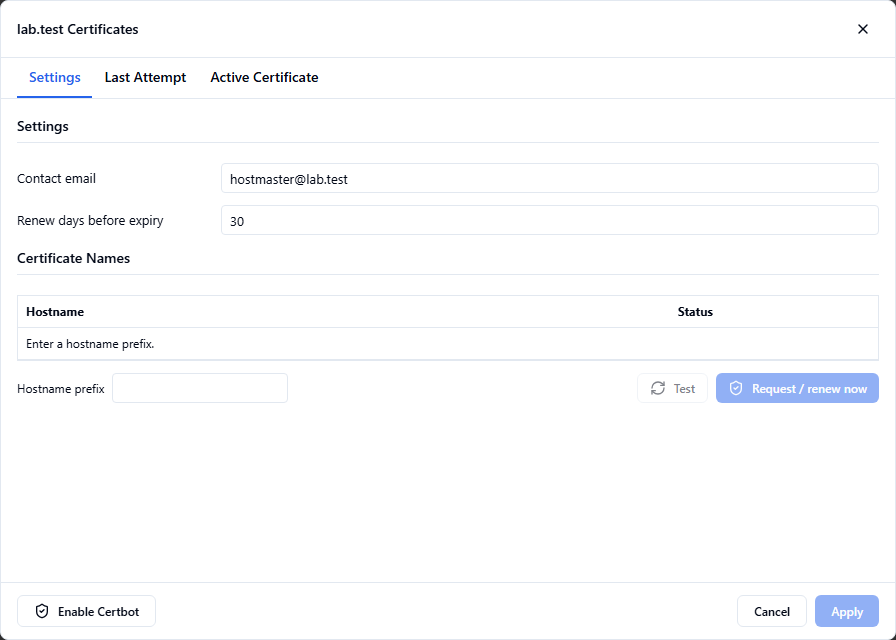
Keep certificate settings together
Open a domain's Certificates dialog to manage certificate names and renewal settings, inspect the last request, and review the active certificate. Certificate issuance depends on your DNS, validation and network configuration.
Set the connection policy
Use the server's security settings to configure TLS requirements for mail protocols. Certificate management and the decision to require encryption are separate settings; review both when bringing a server online.
Verify client trust
Use hostnames that match the certificate and test the full certificate chain from the clients that will connect. A successful certificate request alone does not verify all client connections.
Read the current release notes and download the Admin Guide, or talk to Rockliffe about your requirements.